
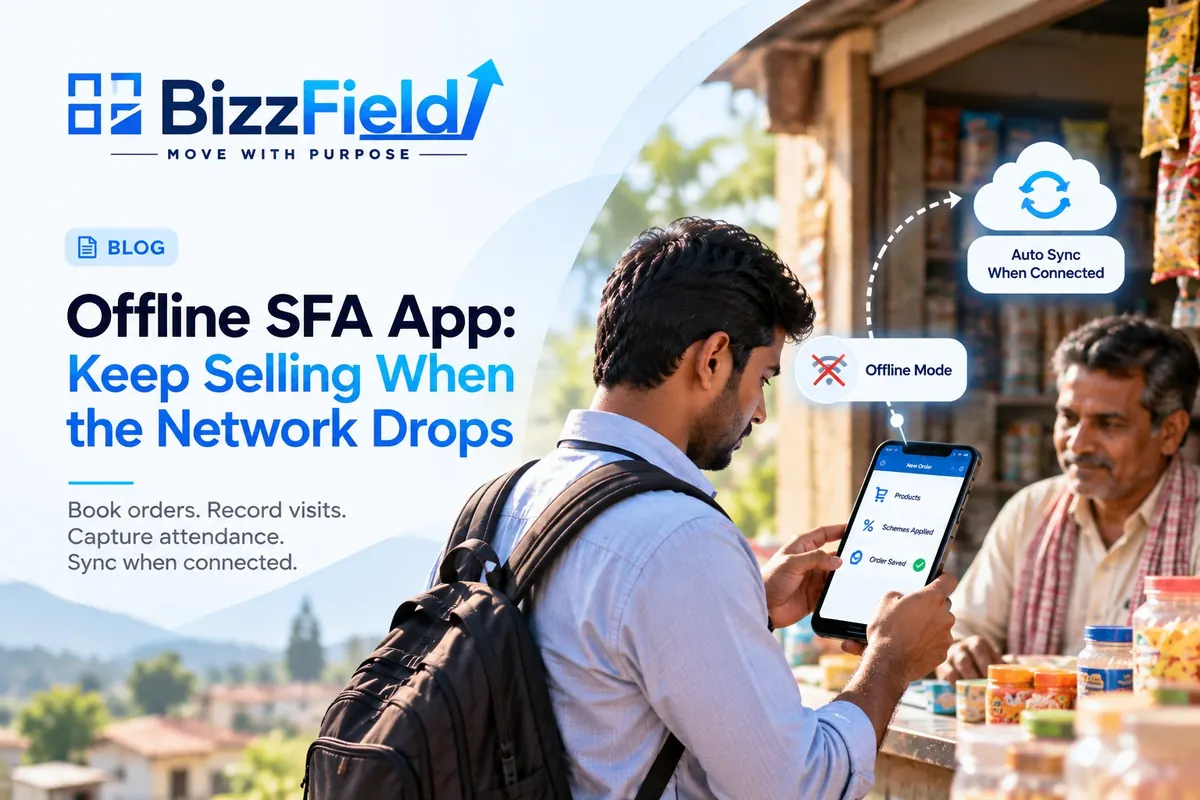
Imagine a sales rep named Ramesh standing in a kirana store two villages beyond the last reliable mobile tower. The retailer is ready to reorder, but Ramesh's sales force automation (SFA) app keeps loading. With no signal, he writes the order in a notebook and plans to enter it later.
An offline SFA app is designed for situations like this. When evaluating SFA app offline mode, check whether reps can continue booking orders and recording visits—not just view data already saved on the phone. A field sales app without internet should keep whatever the rep captures on the phone until connectivity returns.
In plain terms, an offline SFA app is field sales software that keeps the day's data on the phone, saves what the rep captures there, and uploads it to the office once a connection returns. Which workflows survive without a network varies by product, so the sections below follow one rep through a working day.
What the notebook really costs
The notebook is the visible problem; the quieter ones follow it. Someone re-types the entry late at night, mistakes included. Dispatch sees the order a day after the retailer asked for it, and the retailer calls to ask where the stock is. Meanwhile the manager's dashboard shows nine visits as four.
This is rarely a discipline issue. When an app needs a live connection, reps are pushed into workarounds, and every workaround leaves a gap in your data.
Does your team actually need offline mode?
You do not need a signal map to find out. Look at when orders reach your office: if reps on certain beats send them in an evening cluster, they are probably working around the network. Ask a few reps which outlets they skip logging, and compare visit counts on rural beats with urban ones. If the gaps follow geography rather than individuals, connectivity is the cause, and no reminder will fix it.
What “offline” has to cover
Before the rep leaves coverage
Everything offline depends on what was loaded beforehand. According to BizzField's product page, the app loads the day's beat plan and tour plan, customer list, order history, product catalogue and targets when the rep starts the day, with scheme information visible without a network. Whichever vendor you look at, ask when that load happens, and what happens if a rep opens the app for the first time at a dead-zone outlet. A phone that never loaded the day's data is offline in the worst way.
At the counter
Booking is what reps care about most. In BizzField's offline mode, a rep can browse the catalogue, apply active schemes and place the order. It waits on the phone and goes into order management when the phone reconnects. Visits work the same way: check-in and check-out use the phone's GPS, which does not need mobile data, and each is time-stamped and geo-tagged. Attendance tracking also works offline, so the day's start is not lost to a dead zone.
One detail is easy to miss: a timestamp records when something happened, not when it reached the office. An order booked at 11 a.m. and synced at 6 p.m. is still a seven-hour-old order as far as dispatch is concerned. BizzField's documentation says its audit trail shows which activities were captured offline and when they synced, which helps a manager tell a late sync from a late visit.
Two smaller points sit underneath this. Location checks can also work offline: BizzField's FAQ says geofence boundaries are cached on the device, so ask any vendor whether check-ins need a live connection to be validated. And since offline timestamps come from the phone itself, ask how the system treats a handset whose date or time has been changed.
Beyond orders and visits
BizzField's product pages and FAQ list further workflows that run without a connection: expense claims with receipt photos, merchandising and competitor-price forms, support tickets, prospect capture and sales collateral stored on the phone. Which of these matter depends on your team. Write down what your reps actually do between nine and six, then check each task against the vendor's offline list instead of accepting “works offline” as one claim.
When the phone finds a network
BizzField syncs in the background without the rep doing anything, and the upload order is deliberate: orders first, then activity logs, then photos and other media. Its documentation says this works over weak or intermittent connections, not only a clean signal. In practice, a rep passing through a village with thirty seconds of usable data should get the order out before the receipt photo. Once synced, the records appear on the manager's dashboard.
For the manager, the useful question is how stale the picture is. BizzField's product page mentions connectivity status logs per rep, which would let a gap on the dashboard be read as “not yet synced” rather than “did not work”. Whatever product you choose, check that the dashboard separates the two; otherwise a rep in a dead zone looks idle until the phone reconnects.
Where offline setups tend to go wrong
These problems rarely show up in a demo given on office Wi-Fi.
Changes made while the rep is offline. Head office updates a price, scheme or customer record while a rep is out of coverage, and the rep books at the old terms. BizzField says its sync engine detects conflicts on customer records and flags them for resolution instead of overwriting. For prices and schemes, ask directly how an order booked on older terms is handled. The answer differs a lot between products.
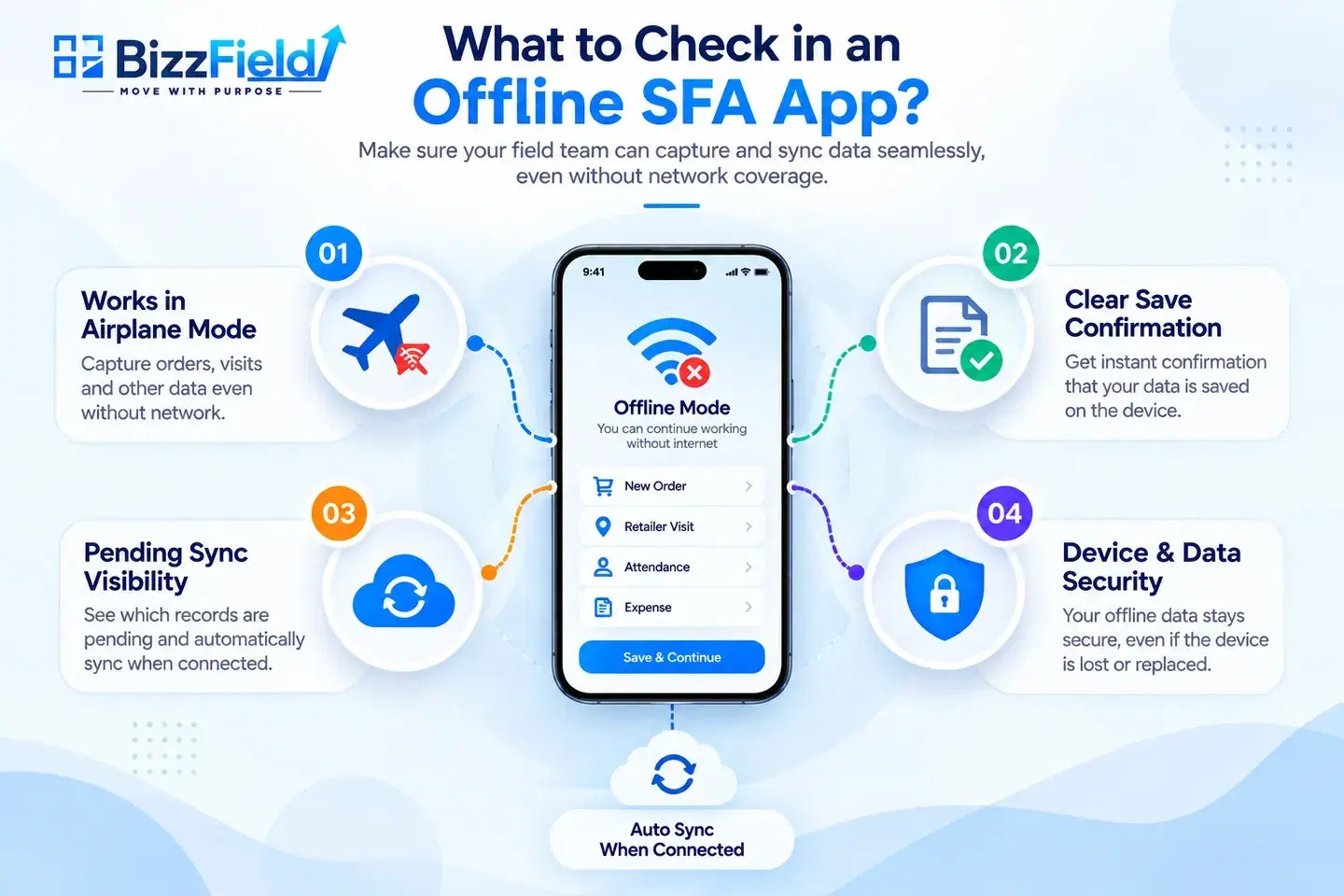
Duplicates. A rep who is not sure the order saved will tap submit again, or re-enter it from the notebook later. Ask what confirmation the rep sees, and whether the system catches repeats.
Long gaps and older phones. Two days without signal means two days of orders, visits and photos sitting on a handset, which may be a mid-range Android with little free storage.
Lost or shared devices. Offline data lives on the phone, so the phone matters. BizzField states that offline data is stored securely on the device. Anything not yet synced is only as safe as the handset, which is why the offline mode FAQs and the vendor's security answers matter before you hand phones to a team.
How to test before you buy
Skip the polished demo. A pilot that imitates a hard day tells you more. BizzField's SFA buying guide covers the wider checklist; these tests are specific to offline.
- Run an airplane-mode day. Load the day, switch on airplane mode, then mark attendance, complete three visits and book two orders. Reconnect and check that every entry arrived with the right timestamp.
- Change something centrally. While the test phone is offline, edit a price, scheme or customer record at the office. Then sync and see what the system does.
- Interrupt the sync. Cut the connection mid-upload and look for duplicate or half-saved orders.
- Go long. Keep a phone offline for a couple of days of activity, on the handsets your reps actually carry, and watch storage and battery over a full shift.
- Ask about security. What is stored on the phone, how is it protected, and what is the lost-phone procedure?
- Pilot in your weakest territory. Two weeks, real reps, real routes. Compare visits logged and entries corrected afterwards with what you see today.
During the demo, ask to see the phone while it is offline, not slides or a recording. Look for three things: a clear sign that an entry was saved, a visible list of items still waiting to sync, and what the manager's screen shows in the meantime. Vague answers are information too. BizzField's own buying guide also suggests asking for a reference customer with a similar team size and industry.
Where BizzField SFA fits
BizzField is built for teams in this position. Orders, attendance, visit check-ins, expense claims and activity reports can be captured without a connection, and sync starts on its own when a network returns. Ask for the airplane-mode test above during the demo, and ask how a price or scheme change made at head office is handled for an order booked offline, since the product pages describe conflict handling for customer records but not that case. No product page replaces testing, and your routes may throw up conditions nobody has documented.
See how it handles your routes
Bring a typical beat and your two or three worst coverage areas to a 15-minute demo. We will walk through offline order booking, visit logging and attendance, then show what happens to that data when the network returns and syncing begins. If your reps sell where the signal is unreliable, that is the test worth running before you decide.
Frequently asked questions
An offline SFA app is field sales software that keeps the day's data on the phone, saves what the rep captures there, and uploads it to the office once a connection returns. Which workflows survive without a network varies by product.
Look at when orders reach your office. If reps on certain beats send them in an evening cluster, they are probably working around the network. Compare visit counts on rural and urban beats too. If the gaps follow geography rather than individuals, connectivity is the cause.
Reps should be able to keep booking orders and recording visits, not just view data already on the phone. Attendance and expense claims should work too. Everything offline depends on what was loaded beforehand, so ask when the day's data loads and what happens if a rep opens the app for the first time at a dead-zone outlet.
In BizzField SFA, sync starts in the background without the rep doing anything. Orders upload first, then activity logs, then photos and other media, and the records then appear on the manager's dashboard. A timestamp shows when something happened, not when it reached the office.
Four common ones: changes made at head office while the rep is offline, duplicate orders when a rep resubmits, long gaps without signal on older phones with little storage, and lost or shared devices holding unsynced data. These rarely show up in a demo on office Wi-Fi.
Run an airplane-mode day: load the day, switch on airplane mode, mark attendance, complete three visits and book two orders, then reconnect and check that every entry arrived with the right timestamp. Also change a price or scheme centrally while the phone is offline, interrupt a sync, keep a phone offline for a couple of days, and pilot in your weakest territory.
WRITTEN BY
Urvashi Srivastav
VP, Business Management & Client Relationships
VP at BizzField, working across business management and client relationships — building strong partnerships, streamlining operations and driving business growth.
Connect on LinkedIn