
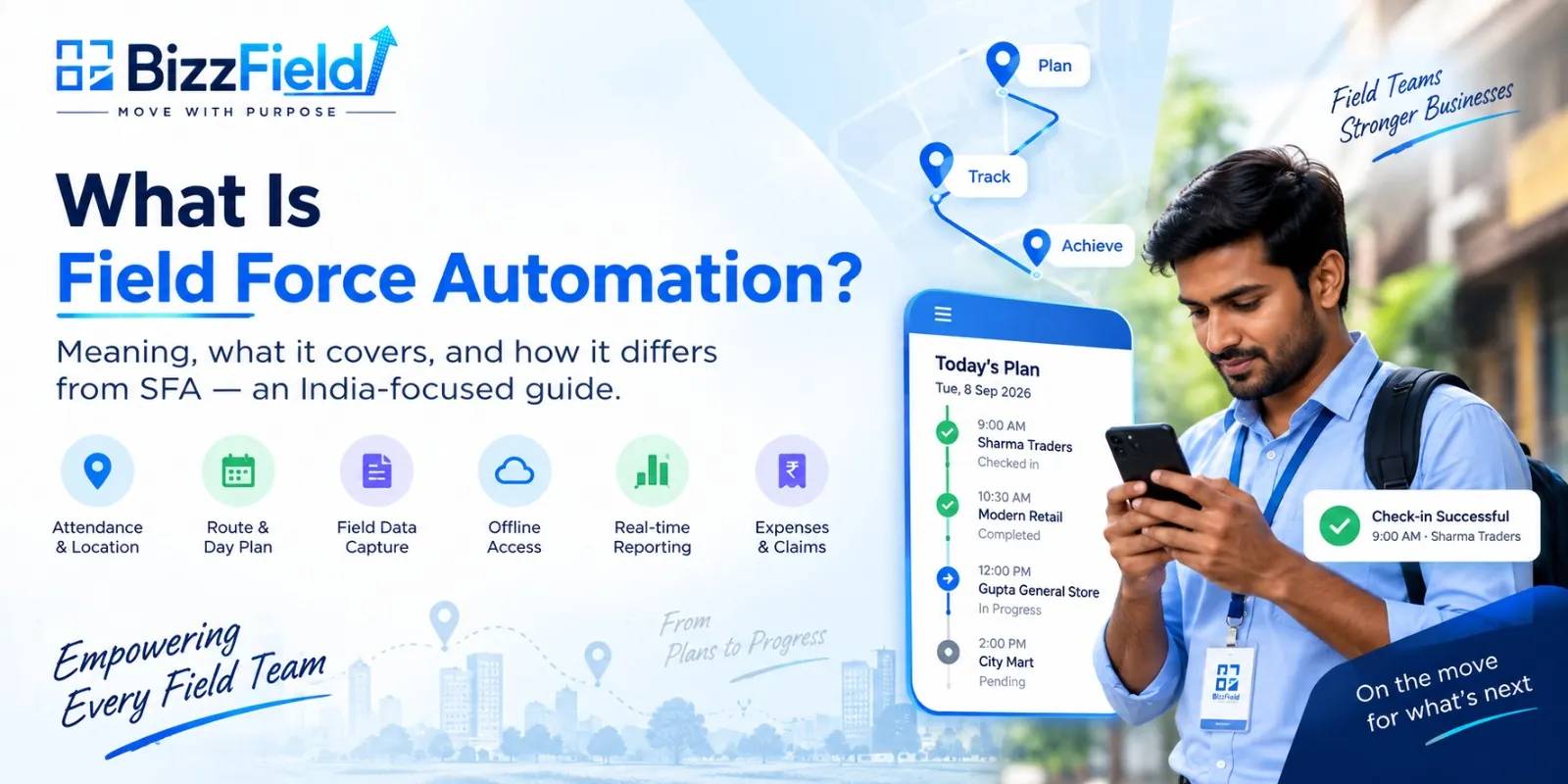
Field force automation is software that manages and tracks employees who work away from an office — sales reps, merchandisers, service engineers and delivery staff. It handles attendance, day plans, routing, in-field data capture and reporting, and works offline where mobile networks do not.
What Does Field Force Automation Mean?
Field force automation runs on a small set of core functions that repeat across every field role, sales or otherwise.
Attendance and location capture verifies where a field worker started their day, usually through a GPS-stamped check-in rather than a manual register entry. Task and route assignment gives each worker a defined set of stops for the day, in a set order — often planned through route optimisation — rather than leaving coverage to memory or a phone call. Day plans extend that into a weekly or monthly structure, so a manager can see coverage across a whole team, not just one person's day. Live field visibility means a manager can see, as the day unfolds, who has checked in and who has fallen behind, instead of finding out at the end of the week.
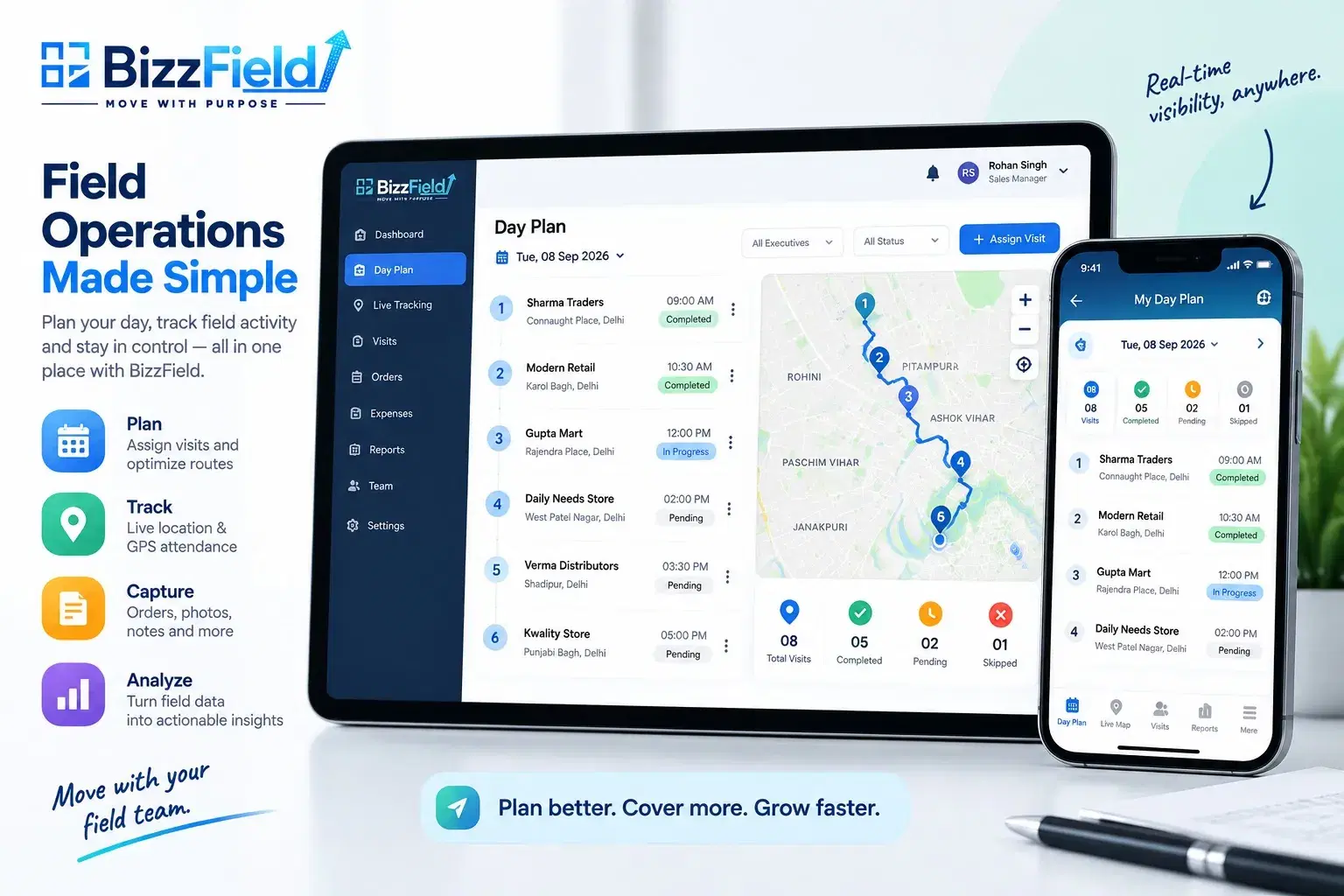
In-field data capture covers the forms, photos and signatures a worker records at each stop, where the workflow genuinely calls for it. Offline mode keeps the app usable when there's no signal, storing entries locally and syncing them once connectivity returns. Expense and claim capture lets a worker log travel and other field costs digitally instead of on paper. Reporting pulls all of this into a dashboard so a manager can review a beat, a territory, or a whole team without chasing individual updates.
None of this is unique to sales. A field force automation software built around this spine works the same way whether the person walking into the location is booking an order, fixing a machine, or auditing a shelf.
Field Force Automation vs SFA vs Field Service Management
This is where most confusion starts.
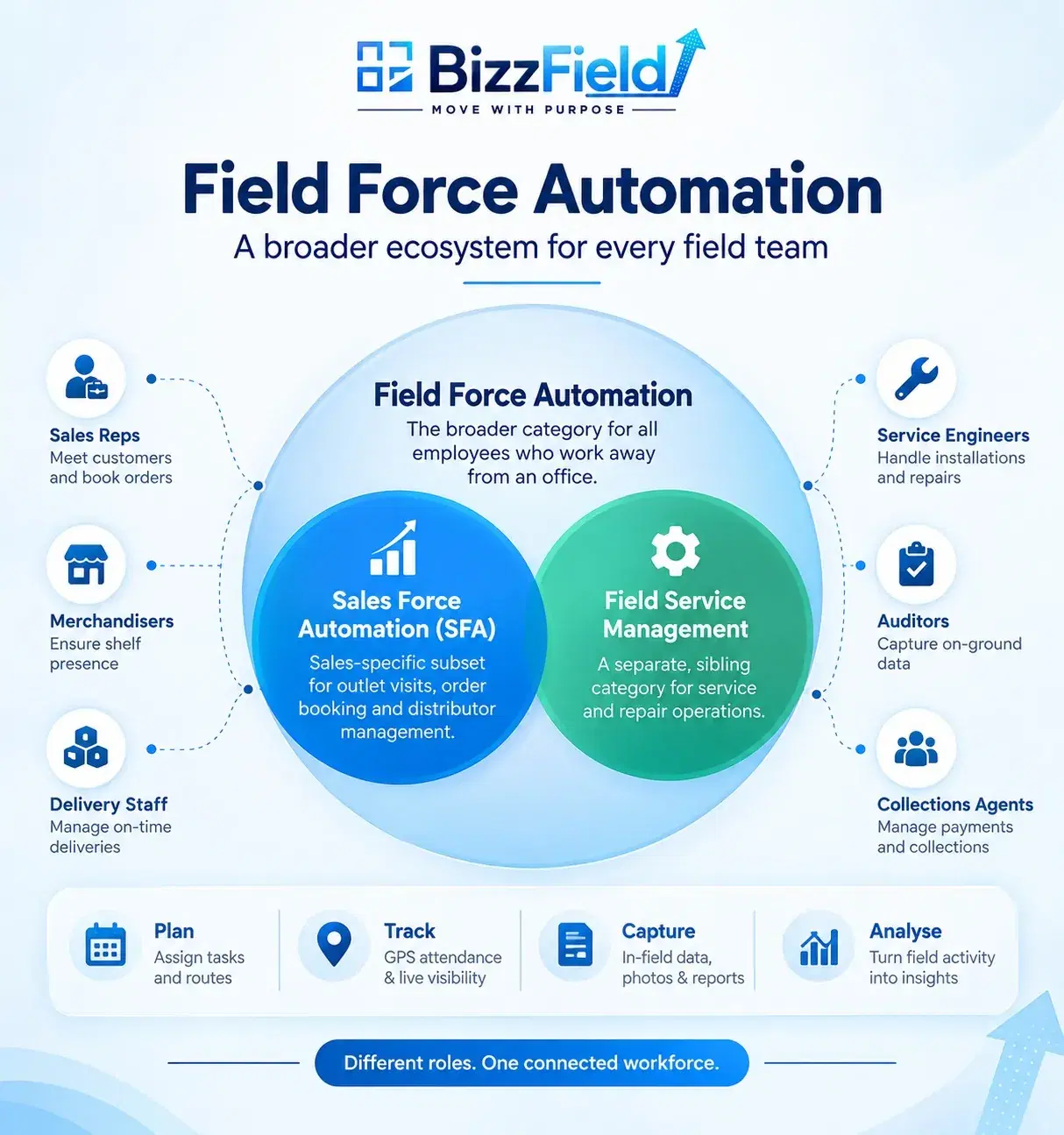
Field force automation is the umbrella category. It covers any employee whose job happens away from a desk, and it's organised around the day plan and the route. Sales force automation, or SFA stands for Sales Force Automation, is the sales-specific subset of that category. SFA keeps the same operational spine — attendance, routing, field reporting — and adds workflows that only make sense for a selling team: order booking, distributor handling, schemes, and secondary sales. Field service management is a separate, sibling category rather than a parent or a subset, built around the job ticket and the SLA rather than a route of visits.
| Field force automation | Sales force automation (SFA) | Field service management | |
|---|---|---|---|
| Covers | Any field worker | Field sales reps only | Service and repair engineers |
| Organised around | The day plan and the route | The outlet visit | The job ticket and SLA |
| Core outputs | Attendance, tasks, field data | Orders, DCRs, secondary sales | Work orders, parts, resolution time |
| Order booking | Not always included | Central | Rarely |
| Distributor / stock | Sometimes | Yes — DMS, schemes, stock | No |
| Typical buyer | Ops or HR, plus sales | Sales leadership | Service or after-sales head |
A platform built specifically for field selling, like sales force automation software, sits inside this framework as the SFA row above — the same attendance-and-routing spine, purpose-built for outlet visits, order booking and distributor visibility.
CRM software plays a related but different role: it manages customer records, relationships and sales pipelines, while field force automation focuses on field execution — attendance, routes, visits and on-ground data. The two aren't competing categories; a sales team often runs SFA for field execution alongside a CRM for pipeline management, and it's worth understanding how SFA differs from CRM if you're evaluating both at once.
If your field team sells, you are looking for SFA. If it also services, delivers or audits, you are looking at field force automation.
Which Teams Need Field Force Automation?
The category shows up wherever work happens at a location the office can't directly see.
FMCG sales and merchandising teams visit dozens of outlets a day to book orders and check shelf presence — without a route and a check-in record, a manager has no way to know which stores were actually covered. Pharma MR networks run on doctor and chemist visits that need to be logged, typically as a daily call report, since a missed or fabricated call directly affects territory performance. Agri-input rural teams operate across large, often low-connectivity geographies, where offline capture is the only way field activity gets recorded at all. Service and installation engineers for consumer durables move between job sites rather than outlets, but still need their day planned and their job outcomes captured before payroll or a warranty claim can be processed. Collections and verification agents visit addresses to confirm details or recover payments — work where proof of an actual on-site visit is often the entire point of the job.
Across all five, the trigger is the same: work happens somewhere the manager isn't, and the business needs a reliable record of it. These are common field force automation examples precisely because none are pure sales roles, yet all need the same attendance-and-routing foundation.
What Actually Changes After You Deploy It
Before automation, attendance is usually self-reported, so payroll inputs are only as reliable as a worker's honesty. After, attendance is tied to a GPS-stamped check-in, so payroll runs on a verifiable record. Route coverage follows a similar shift — a manager knows a route was assigned but not whether it was walked; after, coverage is visible stop by stop. Order and data accuracy improve because entries are captured once, at the point of activity, not reconstructed from memory later. Manager visibility moves from a weekly summary to near real time.
What field force automation does not fix is worth stating plainly. It cannot correct a territory that was drawn up badly in the first place — a bad beat plan digitised is still a bad beat plan. It won't motivate a field team that has checked out, and it can't repair an incentive structure that rewards the wrong behaviour. If the underlying process is broken — orders that routinely stall between booking and dispatch, for instance — the software will make that breakdown visible faster, not resolve it on its own. Automation gives a business better information about its field operation; it doesn't replace the management decisions that operation still needs.
Six Signs Your Field Team Needs It
- Attendance disputes come up regularly, with no reliable way to confirm who was actually in the field on a given day.
- Beat plans live in WhatsApp groups, get rewritten informally, and are never consistently followed or checked.
- Order errors are discovered at dispatch, not at the point of booking, forcing rework after the fact.
- No one has visibility into which outlets were actually visited, only which ones were supposed to be.
- Month-end reporting takes a week to compile from spreadsheets, calls and manual reconciliation.
- There's no visibility below the distributor, so secondary sales movement is effectively a guess.
What Is Different About Indian Field Teams?
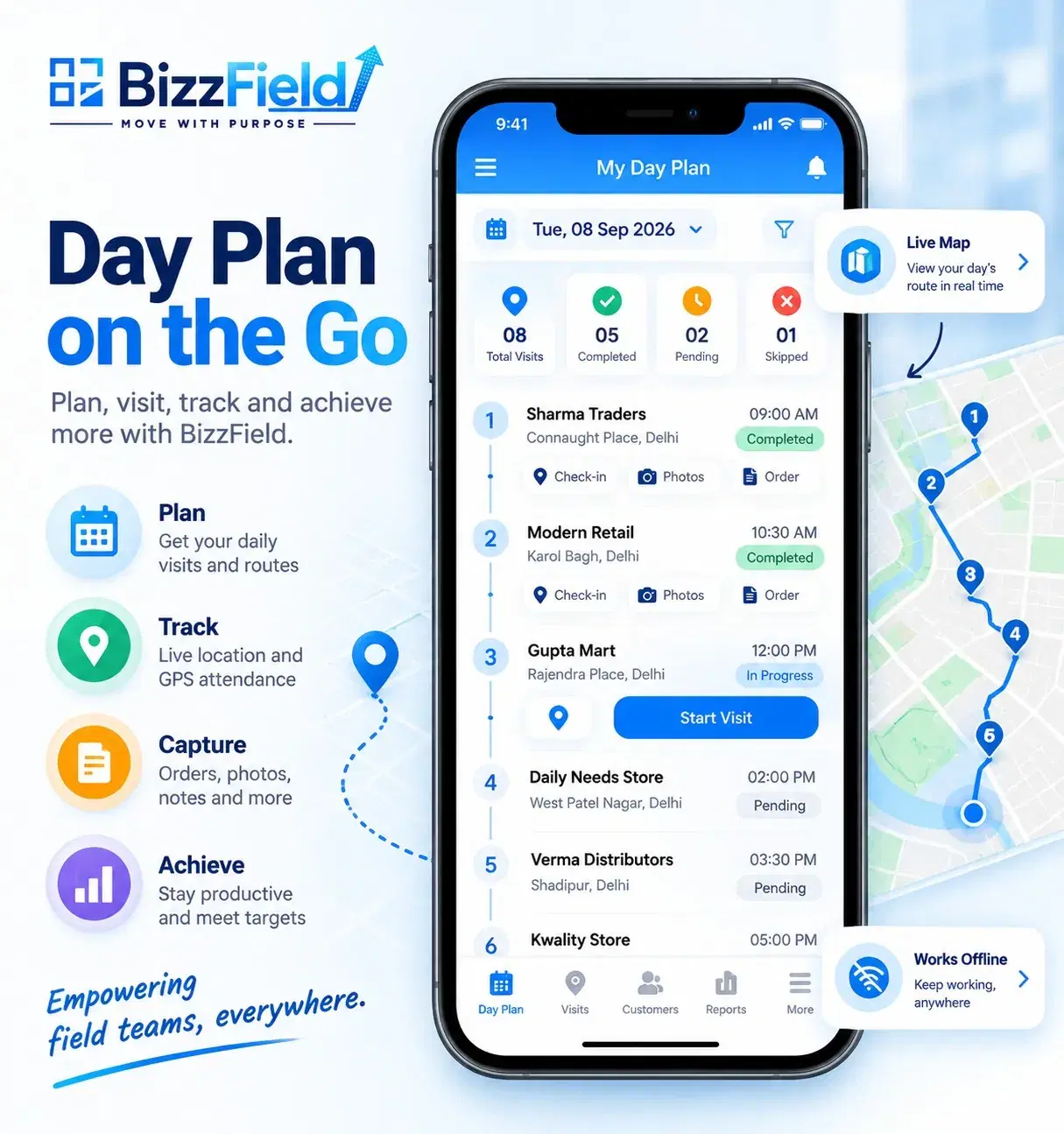
A generic field force automation tool often assumes reliable connectivity, English-only interfaces, and direct-to-outlet selling — none of which hold consistently for Indian field operations. Genuine offline operation matters in Tier 2 and Tier 3 towns and rural beats, where a system that “mostly” works offline still fails the reps who need it most. Most field devices are Android-first and often lower-end, so an app built for high-spec hardware creates friction rather than removing it. Field staff are frequently multilingual, and a tool that only works comfortably in English adds resistance to daily use.
India's route to market is also largely distributor-led, which is why secondary sales visibility matters as much as the visit itself. Attendance fraud and proxy check-ins are a recurring, practical problem, not a theoretical edge case — which is why GPS and geofencing exist as core functions rather than add-ons. And field attrition tends to run high, meaning a system needs to be simple enough that a newly onboarded rep is productive within days, not weeks.
Explore Field Force Automation
If your field team spans more than sales — service, delivery, merchandising or audit work alongside selling — a broader field force automation approach is worth a closer look. Explore field force automation to see how the attendance, routing and reporting spine works in practice.
Frequently asked questions
Field force management is the broader discipline of planning, monitoring and supporting employees who work away from an office. Field force automation is the software layer that makes this practical at scale — handling attendance, routing, data capture and reporting for those teams.
No. SFA is the sales-specific subset of field force automation, adding order booking, distributor handling and secondary sales on top of the same attendance-and-routing spine. Field force automation is the wider category covering any field role, not only selling ones.
Common examples include FMCG merchandising teams, pharma medical representative networks, agri-input field staff, service and installation engineers, and collections or verification agents — any role where work happens at a location and needs to be tracked and reported.
Well-built field force automation is designed to work offline. Check-ins, forms and other field data are stored on the device and sync automatically once connectivity returns, which matters for teams operating in low-network areas.
WRITTEN BY
Urvashi Srivastav
VP, Business Management & Client Relationships
VP at BizzField, working across business management and client relationships — building strong partnerships, streamlining operations and driving business growth.
Connect on LinkedIn