

A few weeks before Diwali, the head office calls a regional sales manager with a simple question: which dealers in the region have 43-inch LED TVs in stock, and which of them have not reordered since August?
He has answers, just not ones he can trust. The distributor's salesman says one thing on WhatsApp, last month's Excel sheet says another, and a field executive half-remembers a visit from weeks ago. Nobody can confirm any of it in the next ten minutes.
That is the kind of problem electronics dealer management software is built for. It does not replace the relationships your team has built; it gives head office, regional managers and field executives one version of what is happening in the dealer network.
What is electronics dealer management software? It is a system that connects a manufacturer or distributor with its dealers and field team, and records orders, stock positions, scheme claims and visit outcomes in one place. For TVs, refrigerators, washing machines and ACs, it gives head office a checkable view of what each dealer ordered, holds and has claimed.
Distributor stock and secondary sales sit under distribution management software, while visits, beats and order booking sit under sales force automation. Electronics needs both, plus scheme handling and seasonal peaks, which is what the rest of this guide covers.
What electronics dealer management software actually means
The label is used loosely, so here is how this guide uses it. The system records who ordered what, what is moving, which schemes are running and how each territory is performing, across the field team, the distributors and dealers, and the head office. Three layers of the business feed it:
- The field layer: sales executives visiting dealers, taking orders, noting stock and reporting on competition.
- The channel layer: distributors, sub-dealers and retailers, each with their own orders, stock and claims.
- The head-office layer: sales operations and finance, who need clean data for planning, scheme settlement and reviews.
Some teams call this dealer management for electronics. Others use the broader term consumer electronics distribution software, or appliance distribution software when the portfolio leans towards refrigerators, washing machines, ACs and small appliances. The names differ, but the job is the same: move the information from phone calls and registers into one place that can be checked.
Why electronics distribution needs better dealer visibility
Most distribution businesses struggle with visibility. Electronics struggles in some specific ways.
Order values are high and the SKU range is wide. One dealer's mix of televisions, refrigerators, washing machines and mixer-grinders can run into dozens of SKUs. A shortfall in one model can quietly cost a sale in a showroom.
Demand is lumpy. Festive months, wedding seasons and summer peaks for ACs and coolers push the whole network at once. If you only learn about a stock-out after it happens, the season is already gone.
Schemes drive behaviour, and schemes get complicated. Slab-based incentives, festive offers, display support and cash discounts all create claims that someone has to verify. When this is done manually, settlement drags on and dealers lose patience.
Dealers are not all equal. A few dealers contribute most of the volume. Others drift away, ordering less each month, and nobody notices until the territory number drops.
You need a system when your team spends more time collecting information than acting on it.
Dealer management features that matter in electronics distribution
Each feature below maps to a problem your team probably deals with this week. Use the same lens on any vendor: what does it do, which problem does it remove, and will your people actually use it?
Dealer-wise stock and availability
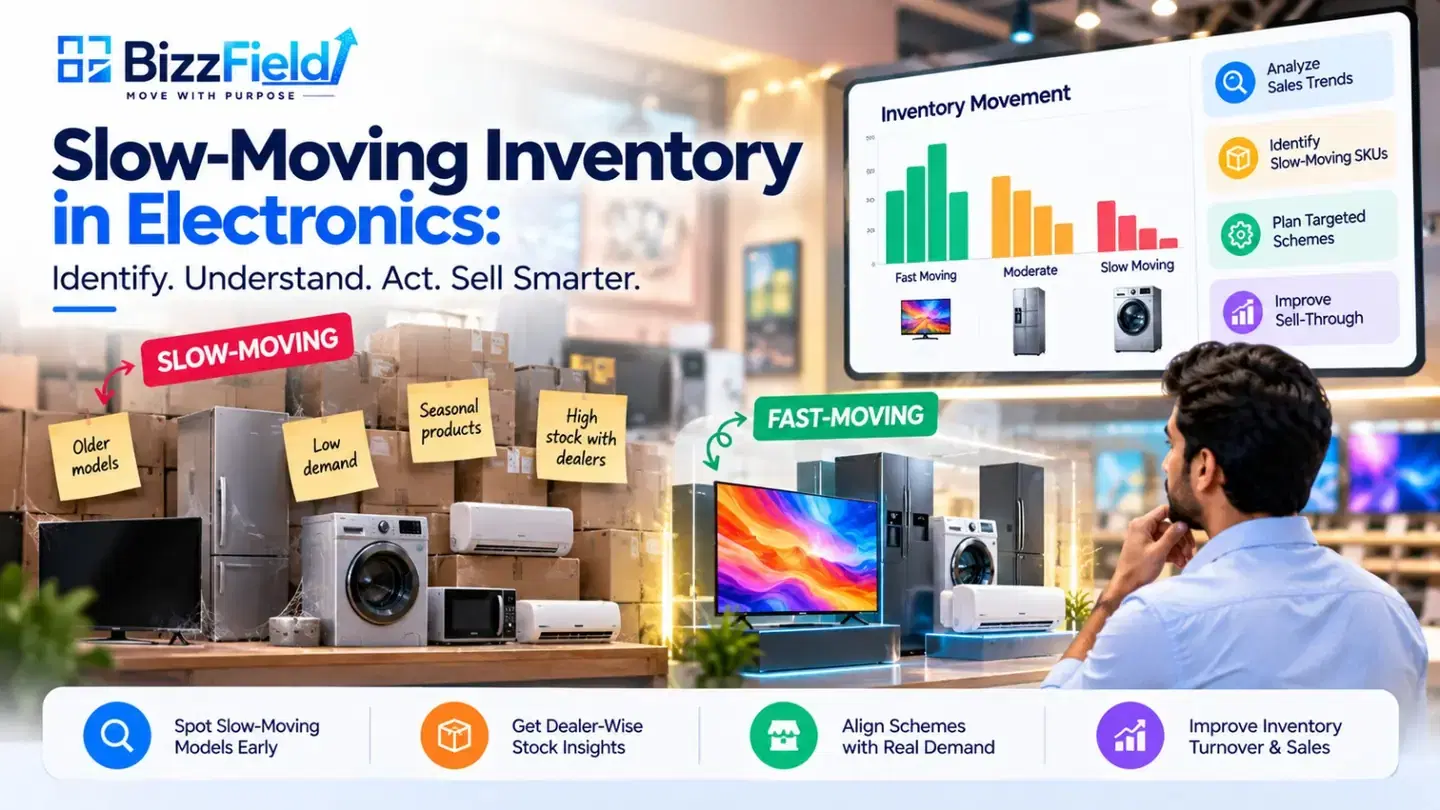
Before the festive rush, the useful question is not how many TVs you invoiced. It is which dealers are about to run out of the 55-inch model and which are still sitting on last year's stock. Stock positions recorded at dealer and distributor level, through field-visit entries or data the distributor shares, let you push fast-moving models early and stop over-supplying dealers who are already full.
Dealer stock is only as good as its source. If distributors do not share stock or secondary numbers, no software can invent them, so ask early what data will actually flow in.
Order tracking across distributors and dealers
A dealer in a Tier-2 city books four washing machines on Tuesday and calls on Friday asking where they are. If the order lives in a field executive's notebook, nobody can answer without three phone calls. Capturing orders at the point of visit, with a status and a history by dealer, fixes that. It also shows who orders regularly and who has gone quiet.
If your team works in basements and small-town markets, test how the app behaves without a network. This offline SFA app guide explains what to look for.
Scheme eligibility and claim settlement
Three questions decide whether a scheme workflow is any good. Can the system hold the rules (products, slabs, dates) in one place? Can a claim be matched to its invoice and photographs without email chasing? Can the dealer be told where his claim stands? When all three answers are yes, settlement speeds up, disputes drop, and finance stops approving claims nobody could properly verify.
Dealer performance, inactive dealers and repeat orders
Territory reviews go wrong when every manager brings a different sheet. One view of sales, order frequency and visit coverage by dealer, distributor, product line and territory lets a channel head see which territories are slowing before the quarter closes.
The same data exposes a quieter problem: dealers whose orders are thinning out. A call in week three costs far less than winning a dealer back in month six.
Field team coordination
Most coordination still runs on end-of-day messages, so managers learn what happened when it is too late to change it. Beat plans, check-ins and visit outcomes recorded in the app show what the field team did each day. For teams spread across wide territories, BizzField Tracker adds real-time location, verified attendance and inactivity alerts.
Secondary sales visibility
Primary sales show what went into the channel. Secondary sales show what came out. Without the second number, you may be building stock at dealers and calling it growth. Where distributors share secondary data, it separates real demand from channel stuffing. BizzField's write-up on how DMS software improves secondary sales and distributor visibility covers this in an FMCG context, and much of the logic carries over to electronics.
Practical examples from electronics and appliance distribution
The two scenarios below are illustrations of how such workflows can operate. They are not customer results, and they do not describe confirmed BizzField features.
Example 1: The regional manager's Monday review. A regional sales manager handles televisions, refrigerators, washing machines and small appliances across eight districts. Her Monday review should answer three questions. Which dealers ordered at least twice last month? Where is stock availability worth checking before the next visit? Which territories show slowing sales compared with the same period last year?
Without a system, she builds this from sheets that arrive on different days in different formats. With one, the dealer list is sorted by order frequency, the weak territories are visible on a dashboard, and her field executives get specific dealers to visit that week.
Example 2: A festive scheme claim. A dealer in a Tier-2 city runs a festive offer: a cash discount on eligible refrigerators and washing machines sold between two dates. He raises a claim with invoice details and supporting photographs.
In a structured workflow, the scheme rules sit in the system. The claim is matched against eligible products and dates, the field executive or distributor adds supporting information, and the claim moves through defined stages: submitted, under review, approved or rejected. The dealer can be told where his claim stands. The finance team does not have to open forty email threads to reconstruct what happened.
Where BizzField fits: SFA, DMS, Tracker and CRM
BizzField is a modular platform. Its products are independent and priced separately, so you can start with the one that matches your biggest gap and add others later. The table maps each product to an electronics distribution requirement, based on what BizzField publishes on its website.
| Product | Fits when your gap is | Published capabilities |
|---|---|---|
| SFA | Field activity: dealer visits, beats and order booking | Beat planning and tracking, visit management, retailer and outlet management, performance analytics |
| DMS | Distributor visibility and secondary sales | Distribution management system for tracking distributors and secondary sales; the page is written around FMCG, so check the electronics fit |
| Tracker | Field workforce accountability | Real-time GPS tracking, verified attendance, inactivity alerts, automated travel and conveyance summaries |
| CRM | Dealer relationship history and follow-up | Lead and opportunity management, 360° customer view, interaction history, reports and dashboards |
The CRM page and its manufacturing CRM variant cover dealer networks and service teams. The FMCG sales force automation page is a useful reference for beat plans and outlet coverage if your appliance portfolio sells through similar retail channels.
Confirm in a demo. Scheme and claim workflows, dealer-level stock capture and electronics-specific reports are the areas to check against your own process. Ask to see each one working with your data before it goes into your plan.
How to choose the right software for an electronics distribution business
Start with your own problems, not the vendor's feature list. SFA, DMS and CRM overlap, so separate their jobs first, then work through the questions that follow.
| System | Use it when | Electronics example | Verify before buying |
|---|---|---|---|
| SFA | Your gap is field activity | Executives book dealer orders and log stock checks during visits | Offline use, speed of order entry, whether the field team will adopt it |
| DMS | Your gap is distributor stock and secondary sales | Head office sees what distributors sold on to dealers | Whether distributors will share data, scheme and claim support, ERP or Tally integration |
| CRM | Your gap is relationship history and follow-up | Dealer onboarding notes, enquiries and service history in one place | Whether dealers are handled as accounts and how orders link back |
What is your biggest visibility gap? If it is field discipline, begin with SFA. If it is distributor stock and secondary sales, look at DMS capabilities. If it is claims, test the scheme workflow before anything else.
What data will actually be available? If your distributors will not share stock or secondary numbers, tell the vendor now. A good vendor will explain how to work around this, not pretend it does not exist.
Will your field team use it? An app that takes ten minutes per visit will be abandoned within a month. Ask your executives to try it during the demo.
Does it connect with what you already use? Many electronics businesses run Tally, SAP or another ERP for billing and accounts. Check the integrations page and ask specifically about the system you use.
How does it compare? Read the vendor's comparison pages with a critical eye, and ask every shortlisted vendor the same questions. The SFA software FAQs for buyers are a useful checklist.
Is the onboarding clear? Data setup, training and go-live support matter more than the demo. Ask what happens in the first 30 days.
Common implementation and evaluation mistakes
Buying for the head office and ignoring the field. If executives find the app slow, they will go back to calling in numbers, and your dashboards will fill with half-truths.
Trying to digitise everything on day one. Start with one region, one product group, or one workflow such as order capture. Expand once the team trusts the numbers.
Loading dirty dealer data. Duplicate dealers, missing GST numbers and old territory mappings will follow you into the new system. Clean the master data first.
Leaving scheme rules vague. If your own team cannot explain a scheme in two lines, no software will be able to verify claims against it. Simplify the rules before configuring them.
Judging by the demo alone. A polished demo on sample data tells you little. Ask for a walkthrough on a scenario from your own business, such as one dealer, one scheme and one month of orders.
Skipping the review habit. Software shows the data. Someone still has to open it every Monday and act on it.
Test it on your own dealer network
Electronics distribution gets easier to manage when the dealer, the distributor and the head office look at the same numbers. Pick the one gap that costs you most today, whether dealer stock, order follow-up or scheme claims, and test whether a system closes it.
Book a demo of BizzField to explore its suitability for your electronics dealer and distribution workflow. Bring one real scenario, such as a dealer, a scheme and a month of orders, and ask to see it handled. Book a demo.
Frequently asked questions
It is software that helps manufacturers and distributors manage their dealer network: orders, stock visibility, scheme claims, field visits and dealer-wise performance. The aim is for the head office and field team to work from the same information.
They overlap. SFA focuses on the field team's activities such as beats, visits and order booking. DMS focuses on distributors, stock and secondary sales. Electronics dealer management usually needs a mix of both, plus scheme handling.
Only if the data comes from somewhere. Stock can be captured by field executives during visits or shared by distributors. If neither happens, the system cannot show it. Ask the vendor how this works in practice.
Typically, scheme rules are configured with products, slabs and dates, and each claim is linked to supporting records and tracked through review and approval. Ask any vendor to demonstrate this with one of your actual schemes.
It depends on the number of users, dealer data quality and the integrations needed. Ask for a realistic plan with milestones rather than a single number, and start with a limited rollout.
WRITTEN BY
Shivam Gupta
Brand Manager
Brand Manager with 8+ years of experience in building brands, developing growth strategies, and creating impactful marketing campaigns that drive business success.
Connect on LinkedIn