
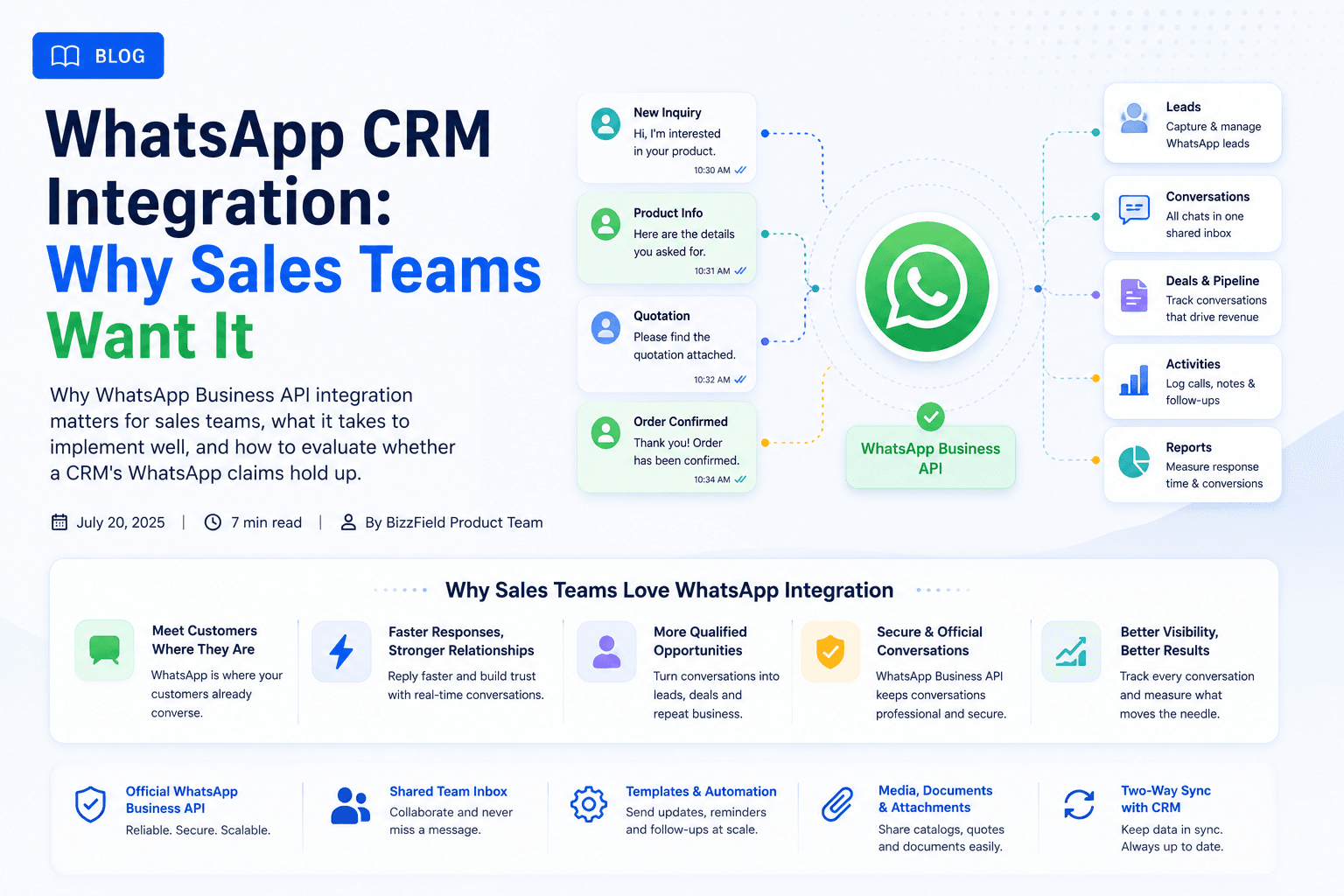
In markets across India, Southeast Asia, and LATAM, WhatsApp is not just a messaging app — it is the primary channel for commercial B2B communication. Prospects expect instant quotes, product brochures, and order updates on WhatsApp rather than traditional email threads.
However, integrating WhatsApp into a Customer Relationship Management (CRM) platform involves strict technical compliance. This 2026 technical guide breaks down official Meta WhatsApp Business API integration architecture, legal compliance rules, high-ROI B2B use cases, and how sales leaders prevent rep phone lock-in.
Direct Answer (AEO): What Is WhatsApp CRM Integration?
WhatsApp CRM Integration connects an enterprise CRM platform with the official Meta WhatsApp Business API. It enables sales representatives and automated workflows to send template messages, share PDF quotations, log multi-user customer conversations, and track lead interactions directly inside shared customer contact records.
1. Official Meta Business API vs. Unofficial Chrome Workarounds
Many low-cost software vendors market "WhatsApp CRM integration" by relying on unofficial web scrapers, browser extensions, or automated Android scripts. Using unofficial hacks puts your corporate phone numbers at severe risk of permanent Meta ban:
| Architectural Factor | Official Meta WhatsApp Business API | Unofficial Scrapers / Chrome Hacks |
|---|---|---|
| Meta Account Ban Risk | Zero Risk (Meta Sanctioned) | Extreme Risk of Immediate Permanent Ban |
| Multi-Rep Shared Inbox | Supported natively across unlimited reps | Single browser session (Fails when rep is offline) |
| Template Pre-Approval | Mandatory Meta pre-approval (Anti-Spam) | Unapproved raw text (Triggers spam filters) |
| Green Tick Verification | Eligible for Official Green Tick Badge | Ineligible |
| Automated Triggers | 1-Click PDF Quotation & Invoice Delivery | Manual copy-paste required |
2. High-ROI B2B Sales Use Cases for WhatsApp
When properly integrated into your commercial CRM, WhatsApp accelerates sales velocity across four key touchpoints:
- Instant Inbound Lead Response: Automatically acknowledge web form leads via WhatsApp within 60 seconds, assigning them to available reps via Lead Management rules.
- 1-Click GST Quotation Delivery:Allow sales representatives to generate itemized GST quotes in BizzField CRM and send official PDF download links directly to the client's WhatsApp.
- Automated Payment & Invoice Reminders: Send automated billing reminders when invoices near their due date, reducing Outstanding Accounts Receivable (AR).
- Re-Engagement Campaigns: Target cold prospects or inactive accounts with pre-approved WhatsApp template broadcasts.
3. Regulatory Compliance: Opt-In & TRAI Guidelines in India
Sending commercial messages on WhatsApp requires compliance with consumer privacy regulations:
- Explicit Opt-In Capture: Ensure website lead forms include an explicit checkbox consenting to receive business updates via WhatsApp.
- Easy Opt-Out Handling:Honor "STOP" or unsubscribe requests immediately to maintain brand reputation.
- Meta Template Classification: Categorize templates accurately (Utility, Marketing, or Authentication) to maintain clean quality scores.
4. BizzField's Pragmatic Integration & Activity Tracking
BizzField CRM enables sales teams to log WhatsApp communications directly against Contact, Lead, and Opportunity records. Representatives can log summary notes, record agreement terms, and attach call logs to the shared customer timeline.
Explore our complete suite of sales connectors in the BizzField CRM Integrations Hub.
Connect Your Commercial Communications
Frequently asked questions
Native WhatsApp Business API integration is on BizzField's product roadmap and is not part of the current release. Today, WhatsApp conversations can be logged manually as a Task against the relevant Lead, Contact, or Opportunity, which keeps a record even without automated sending.
Done well, it uses the official Meta WhatsApp Business API rather than a workaround, template message approval for anything automated, two-way conversation logging tied to the right Contact or Opportunity, and clear opt-in handling.
Solutions built on unofficial workarounds instead of the official Business API can trigger WhatsApp enforcement and get business numbers banned. Ask a vendor whether they use the official Business API before relying on their integration.
Check whether it is the official Business API or an unofficial workaround, whether conversations are actually logged to the customer record or only sent one-way, and whether you can see a live account doing it today rather than a mockup in a sales deck.
WRITTEN BY
BizzField Product Team
Product & Integrations
The BizzField Product team covers automation, AI and the integrations that connect a CRM to the rest of your stack.
Connect on LinkedIn