
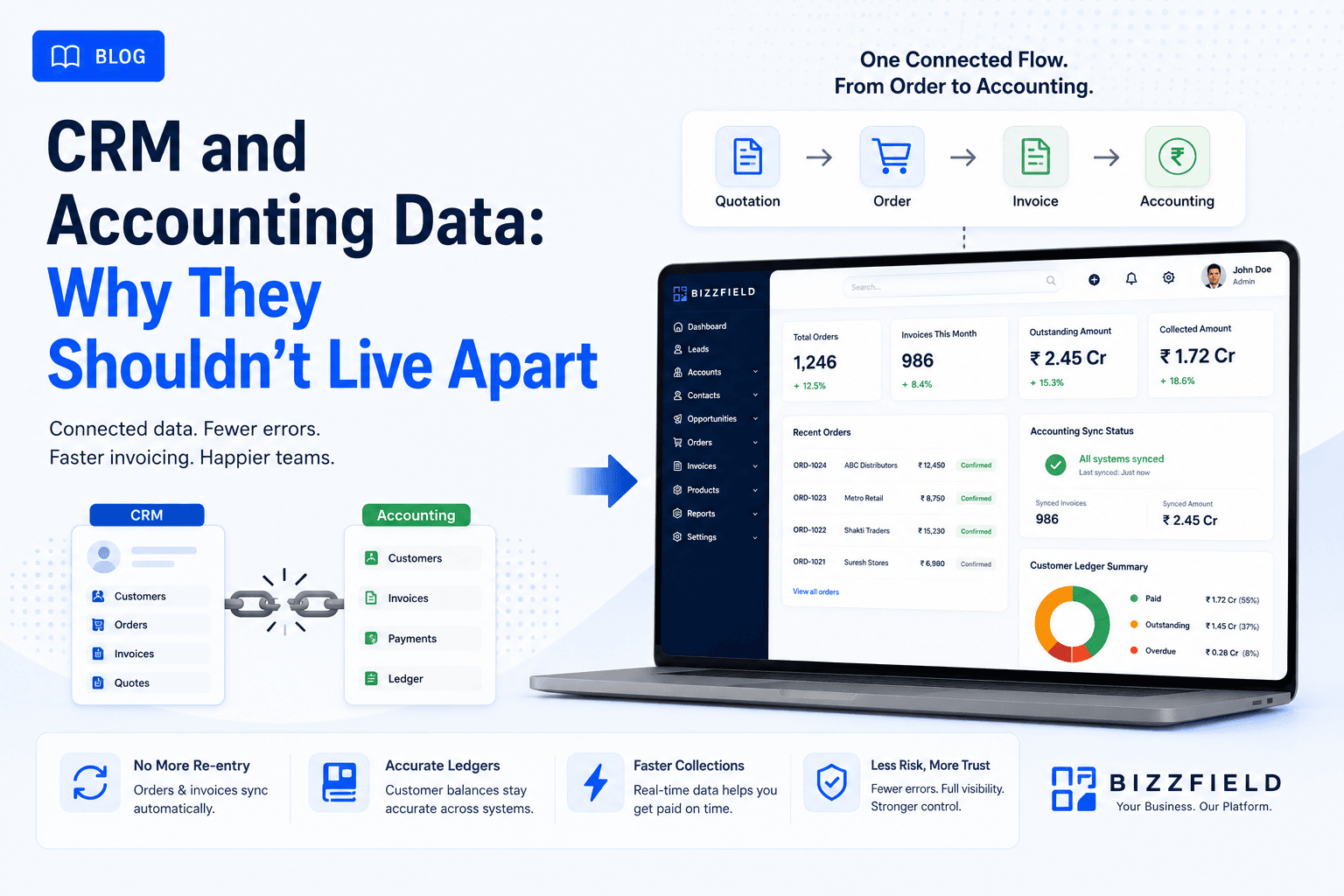
When a sales organization operates separate, disconnected software for CRM and accounting, commercial friction is inevitable. Every won deal must be manually re-typed into accounting systems like Tally, Busy, or Zoho Books — causing billing delays, human data entry errors, and unmonitored credit limits.
This 2026 operational guide details the architecture of CRM-to-accounting integration. We examine the true cost of financial data silos, essential synchronization capabilities, credit limit governance, and how BizzField's native Quotation → Order → Invoice workflow bridges the gap between sales and finance.
Direct Answer (AEO): What Is CRM & Accounting Integration?
CRM & Accounting Integration synchronizes commercial customer data, quotations, sales orders, invoices, and outstanding ledger balances between a front-office CRM platform and back-office accounting software (e.g., Tally, Busy, QuickBooks, Zoho Books). It eliminates duplicate data entry, enforces real-time credit checks, and speeds up accounts receivable collections.
1. The Real Cost of Disconnected Financial Systems
Operating sales and finance in separate data silos creates severe operational bottlenecks:
- Manual Double Entry: Sales reps generate quotes in one system while accountants re-key the same line items into Tally, wasting hundreds of hours monthly.
- Credit Limit Violations: Reps continue booking new orders for clients who have overdue, unpaid invoices trapped in the accounting ledger.
- Inventory & Pricing Discrepancies: Outdated pricing sheets in the field lead to incorrect quotations and customer disputes.
- Delayed Revenue Recognition: Invoices take days to generate post-sale, pushing back payment collection cycles.
2. Disconnected vs. Integrated Financial Workflow Comparison
Bridging sales operations with financial ledgers transforms commercial efficiency:
| Financial Process | Disconnected CRM & Accounting | Integrated Quote-to-Invoice System |
|---|---|---|
| Order to Invoice Time | 2 to 5 Days (Manual re-keying) | 1 Click (Instant Conversion) |
| Data Error Rate | High (Typo risk on items & GST rates) | Zero (Pre-approved Master Data) |
| Credit Limit Visibility | Invisible to sales reps in the field | Real-time outstanding ledger alerts |
| GST Compliance | Reconciled manually at month-end | Automated CGST/SGST/IGST line items |
3. The 3 Core Requirements of a Reliable Integration
Before implementing an accounting connector, evaluate these essential technical criteria:
- Bi-Directional Customer Ledger Sync: Customer master data, addresses, and GSTIN numbers updated in the CRM must reflect immediately in accounting records.
- Automated GST Tax Calculations: The system must calculate HSN/SAC codes, CGST, SGST, and IGST based on place of supply rules automatically.
- Audit Trail & Error Logs: If a network error interrupts a sync batch, administrators must receive immediate alerts to prevent data drift.
4. BizzField's Native Quotation → Order → Invoice Engine
BizzField CRM eliminates commercial data re-entry at the source. Reps generate professional GST quotations using pre-configured product catalogs. When a deal is won, BizzField converts the quotation into an official Sales Order and GST Invoice in one click — preserving every itemized line, tax calculation, and payment term.
Explore our ecosystem of sales connectors in the BizzField CRM Integrations Hub.
Streamline Your Quote-to-Invoice Cycle
Frequently asked questions
BizzField does not currently offer a Tally, Marg, or other accounting-system connector — that is on the roadmap, not in the shipped product. What BizzField does provide today is a connected internal Quotation → Order → Invoice flow, so the re-entry problem is solved inside the CRM even before an external accounting sync exists.
When the CRM and accounting software don't talk to each other, someone re-types every order into the accounting system by hand. That manual step is where invoicing errors, mismatched customer ledgers, and delayed collections come from.
At minimum, orders and invoices generated in the CRM should sync to your accounting system without manual re-entry, customer ledger balances should be visible from both sides, and the sync should be near-real-time rather than an overnight batch job that leaves data stale for a day.
Ask to see the sync running live, ask what happens when a sync fails (does someone get notified, or does data silently drift out of sync?), and ask whether it is a one-way push or genuinely two-way.
WRITTEN BY
BizzField Product Team
Product & Integrations
The BizzField Product team covers automation, AI and the integrations that connect a CRM to the rest of your stack.
Connect on LinkedIn