

KANBAN CRM
Drag. Drop. Close With Confidence.
A Kanban board should feel physical, not like a dropdown wearing a costume. BizzField's board moves real opportunity records, recalculates every column the instant a card lands, and refuses to let a Won or Lost move through without the real close date, amount, or reason behind it.
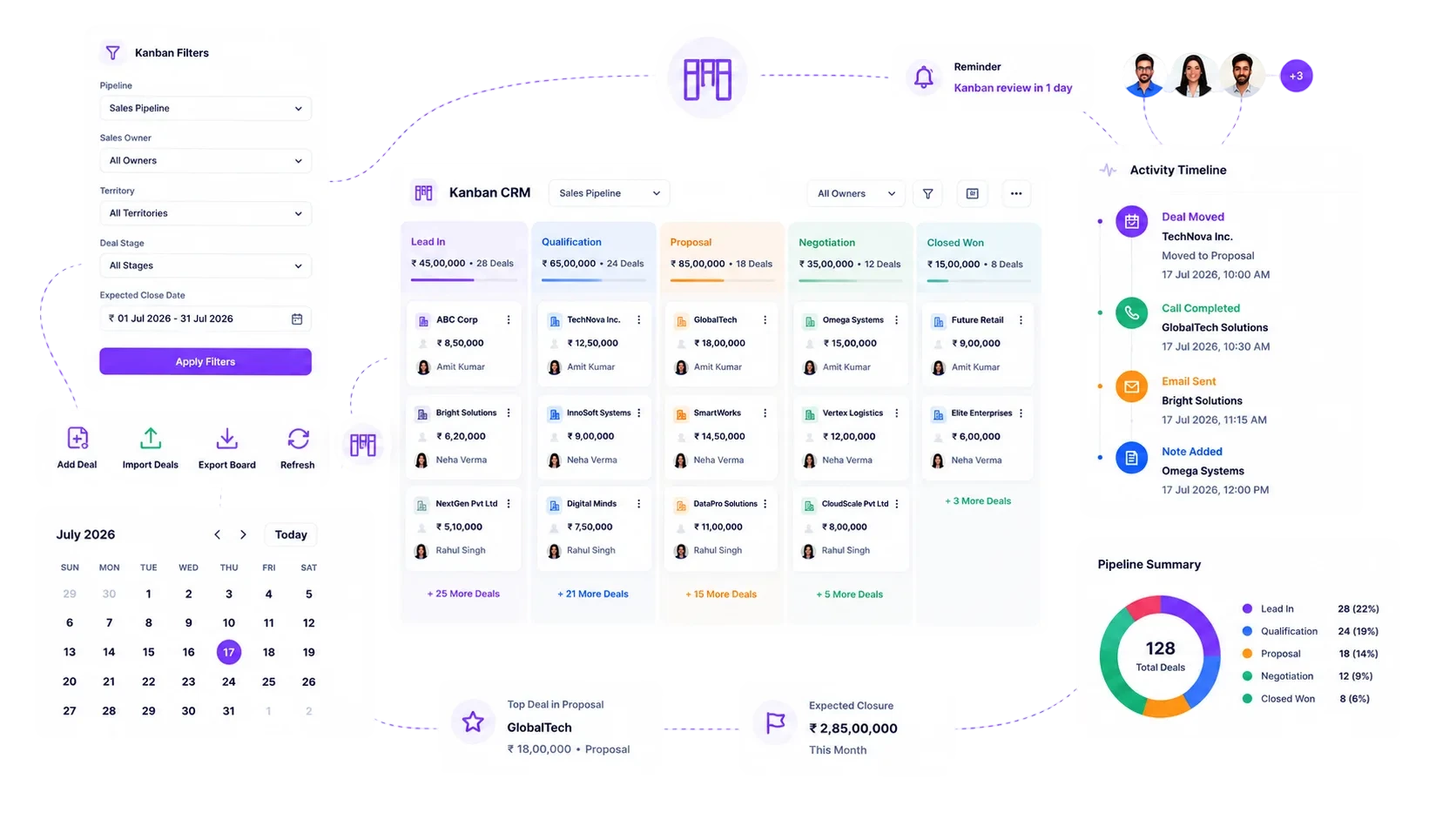
A Board That Lies About the Numbers
A static list dressed up as a Kanban board is still just a spreadsheet with more colour.
A Board That Recalculates the Instant a Card Lands
This is the mechanic underneath every other capability on this page: real cards, real physics, numbers that are never more than one drop stale.
Every Column Recalculates the Moment a Card Moves
Real Drag-and-Drop, Not a Dropdown in Disguise
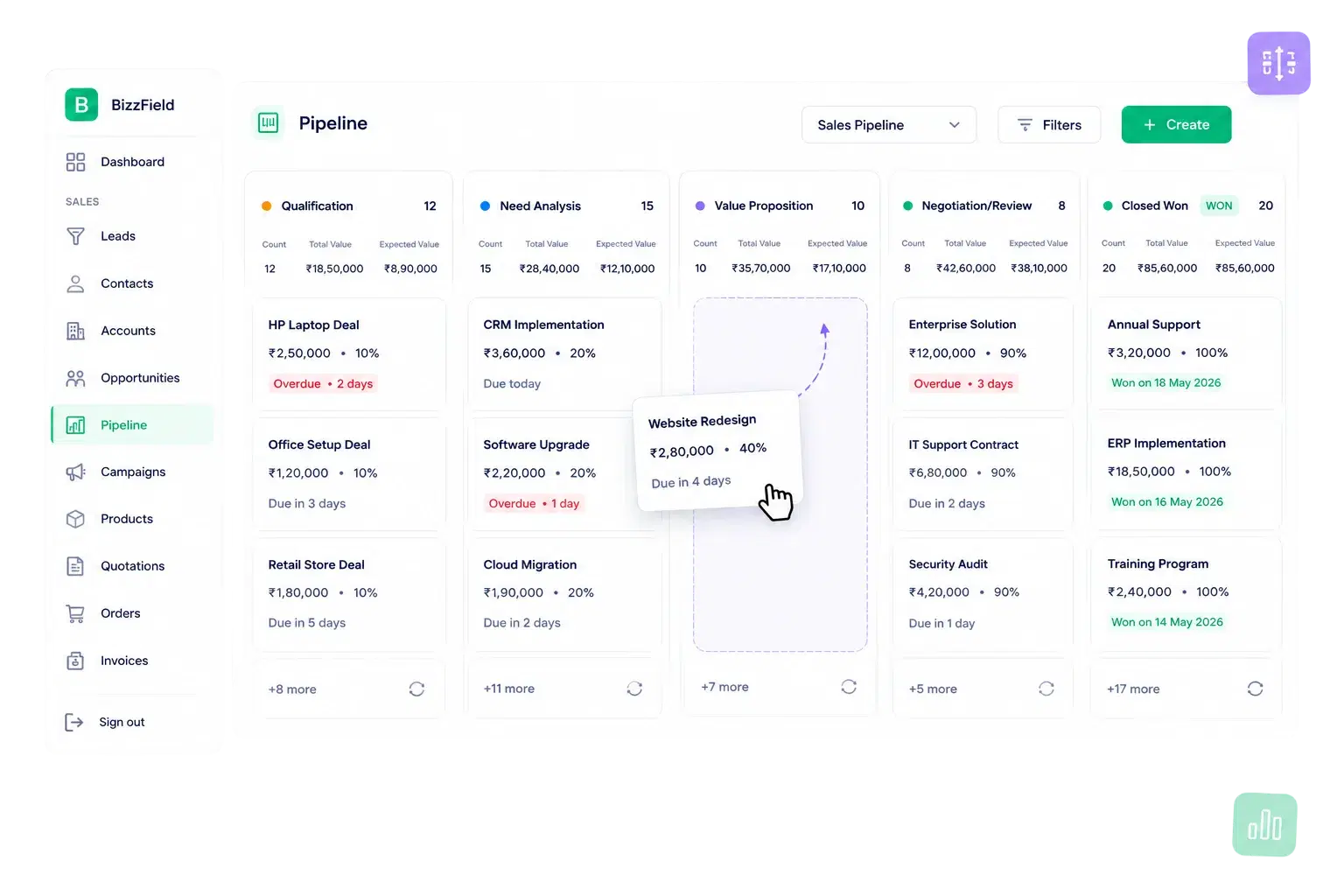
Cards move with a smooth drag overlay instead of a jumpy re-render. Every column header shows opportunity count, Total Value, and probability-weighted Expected Value live, the instant a card lands in it.
The Board Is a View, Not a Silo
One Data Model, Table or Kanban
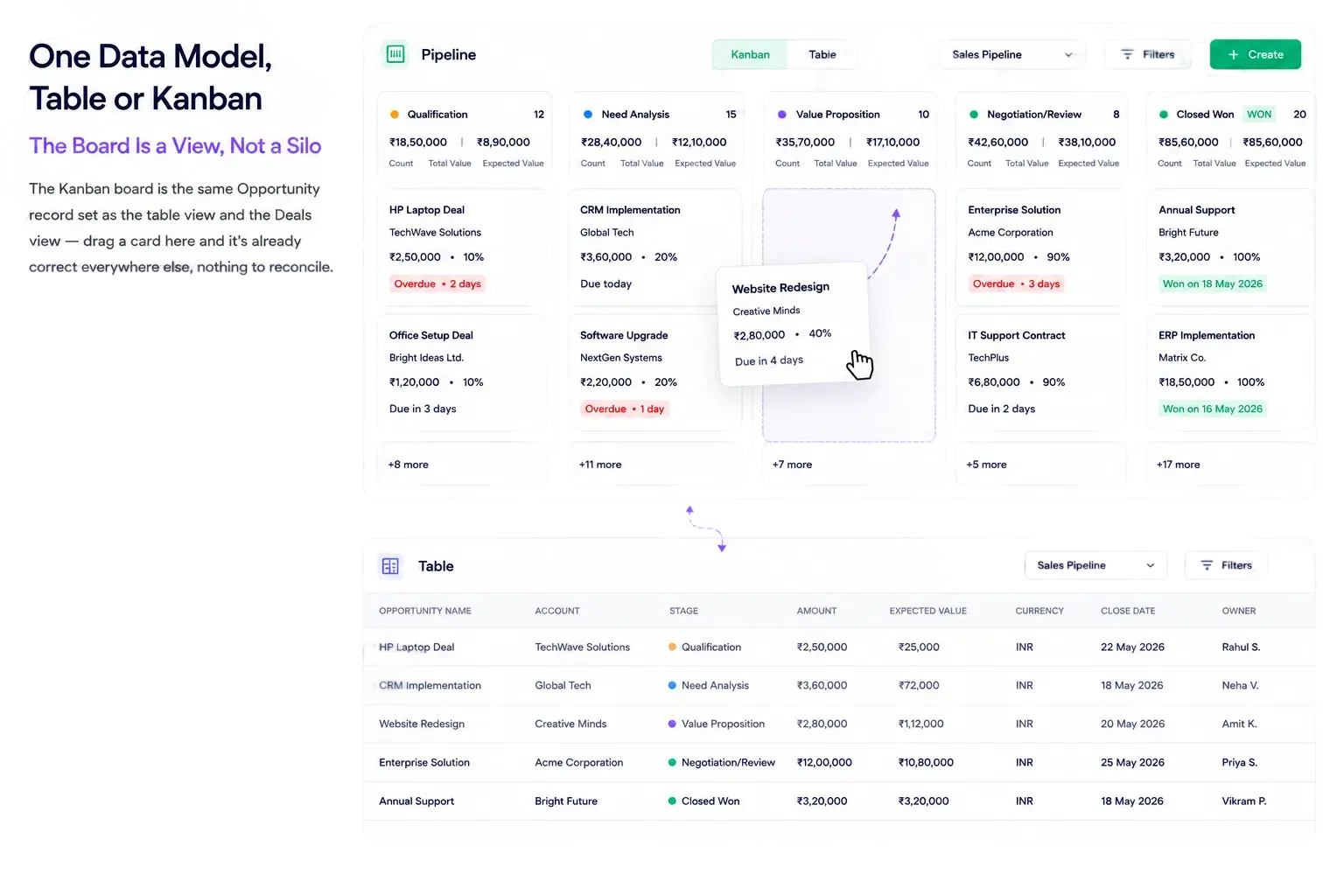
The Kanban board is the same Opportunity record set as the table view and the Deals view — drag a card here and it's already correct everywhere else, nothing to reconcile.
Confirms the Close, Not Just the Stage
Dragging a card into a Won column should mean something more than a colour change.
The Card Doesn't Land Until the Facts Do
Win Modal: Locks In the Real Numbers Before the Card Moves
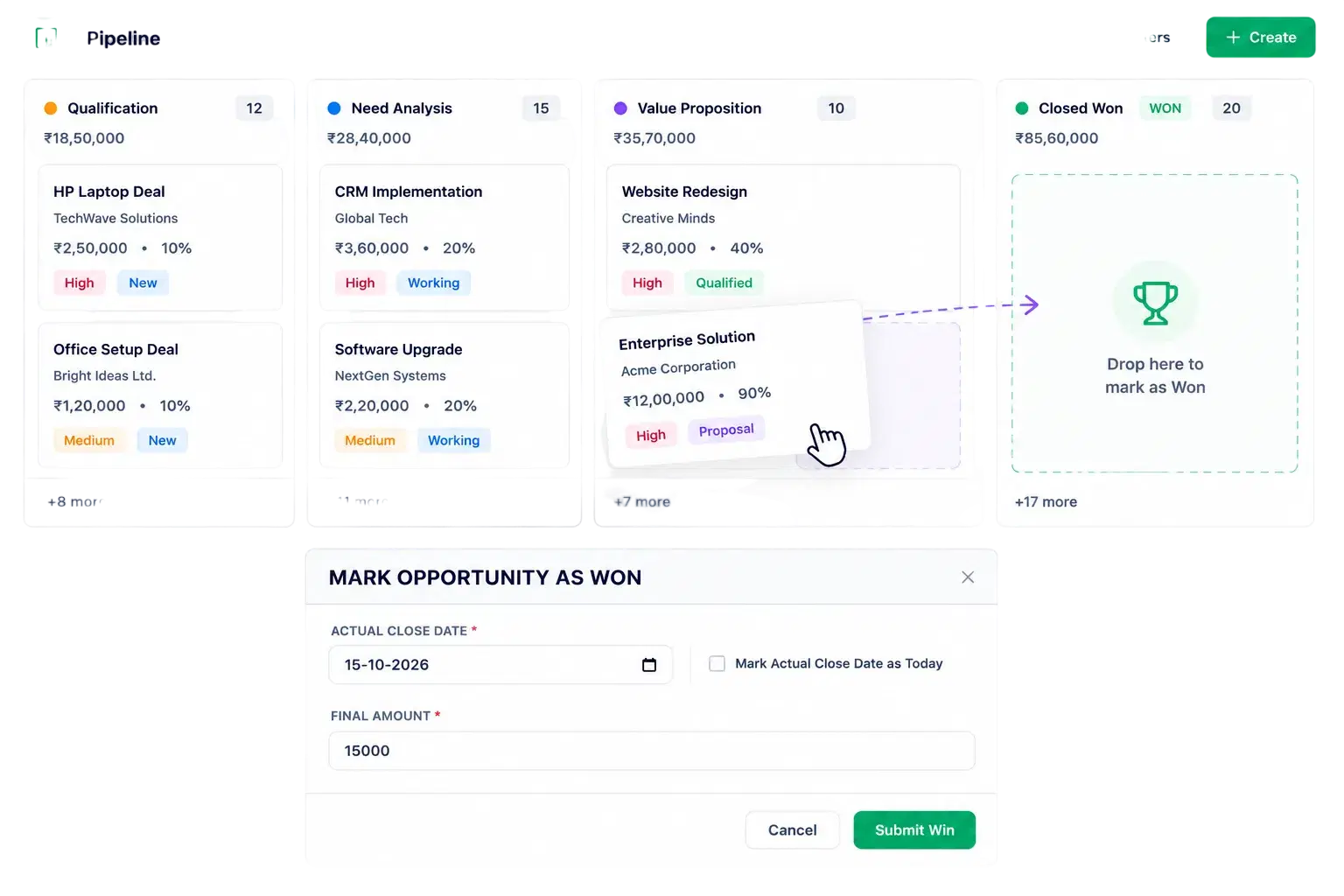
Dragging a card into a Won stage opens a Win Modal that captures the actual close date and final amount, so the number that lands in Revenue Forecast is the number that actually closed, not the number that was quoted three stages ago.
Every Lost Deal Leaves a Data Point
A deal that disappears without a reason teaches the team nothing. A deal that logs one becomes a pattern you can act on.
Closed-Lost Data Stays Consistent Across the Whole Team
Loss Modal: A Structured Reason, Not a Guess
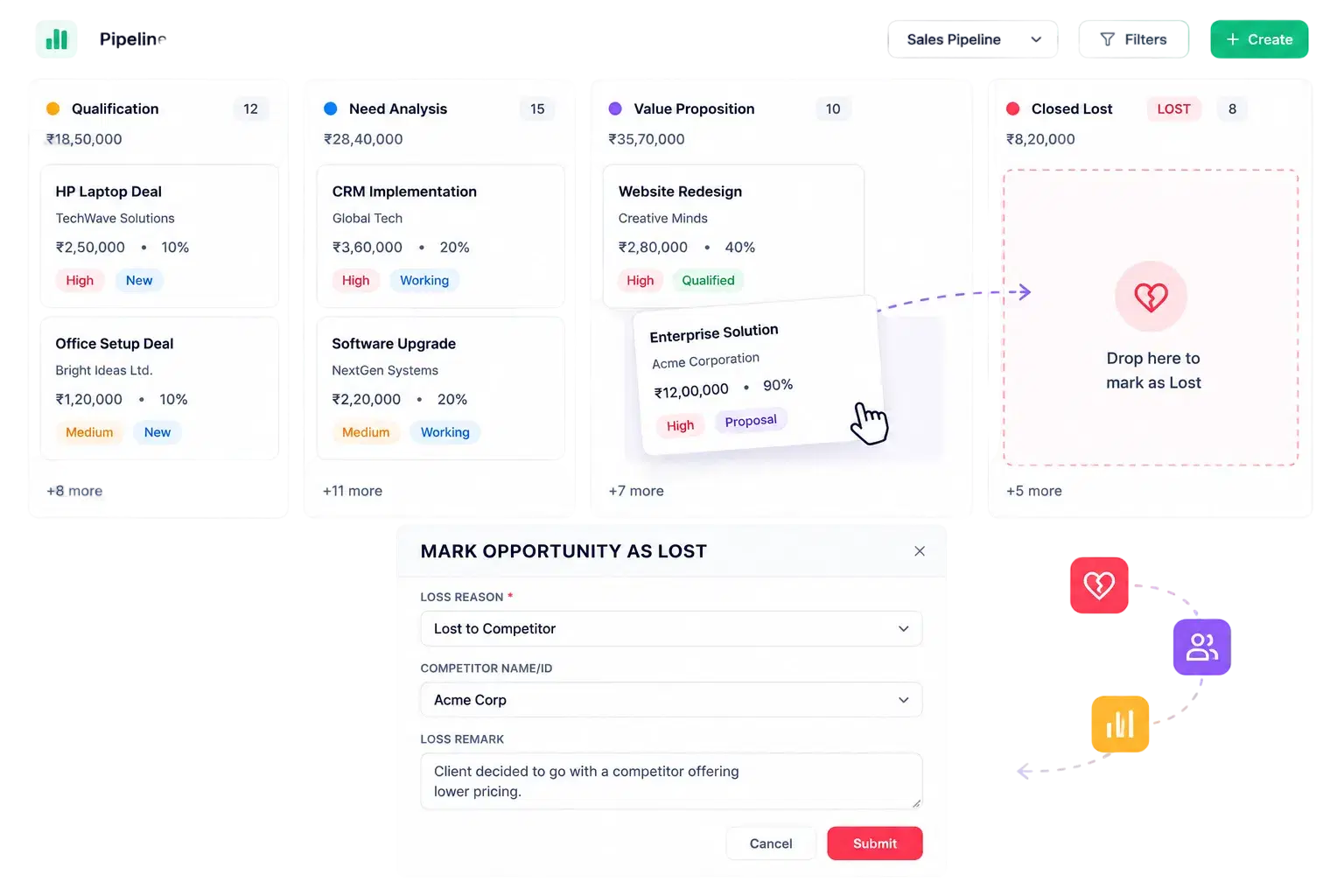
Dragging a card into a Lost stage requires a structured Loss Reason before the move completes, so patterns behind lost deals are analyzable in a report instead of scattered across emails, memory, and half-updated notes.
Why Sales Teams Choose BizzField's Kanban Board
A board built to feel physical, to hold you to a real answer when a deal closes, and to save a manager the ten minutes they'd otherwise spend scanning rows for what's stuck.
Results. Not Promises.
What sales teams see once the board replaces the spreadsheet.
Kanban CRM — Questions Sales Teams Ask
A Win Modal appears asking you to confirm the actual close date and final amount, so your revenue reporting stays accurate instead of relying on a stale stage guess.
A Loss Modal appears and requires a structured Loss Reason before the move completes, so the deal feeds the Win/Loss Analysis report instead of just disappearing.
Yes. A pipeline selector lets you switch between every configured pipeline, each with its own set of stages and cards.
No. The Kanban board and the table view render the exact same Opportunity records, so a change made on one is reflected instantly on the other.
Each column uses infinite-scroll pagination, so a stage with hundreds of deals still loads fast instead of rendering as one giant page.
Yes. Overdue close dates are highlighted directly on the card, so you spot a stalled deal scanning the board instead of running a separate report.
Yes. INR, USD, EUR and GBP are supported natively, and multi-currency values carry through to both card and column totals.
See Your Pipeline Move in Real Time
Most sales teams drag their first deal within minutes of opening the board — and see exactly why their spreadsheet totals never matched reality. Book a demo and watch the numbers update live.